
Layouts covers all theme configuration settings if you want to apply manually in project.
Add the following class in your body tag for updating layout.
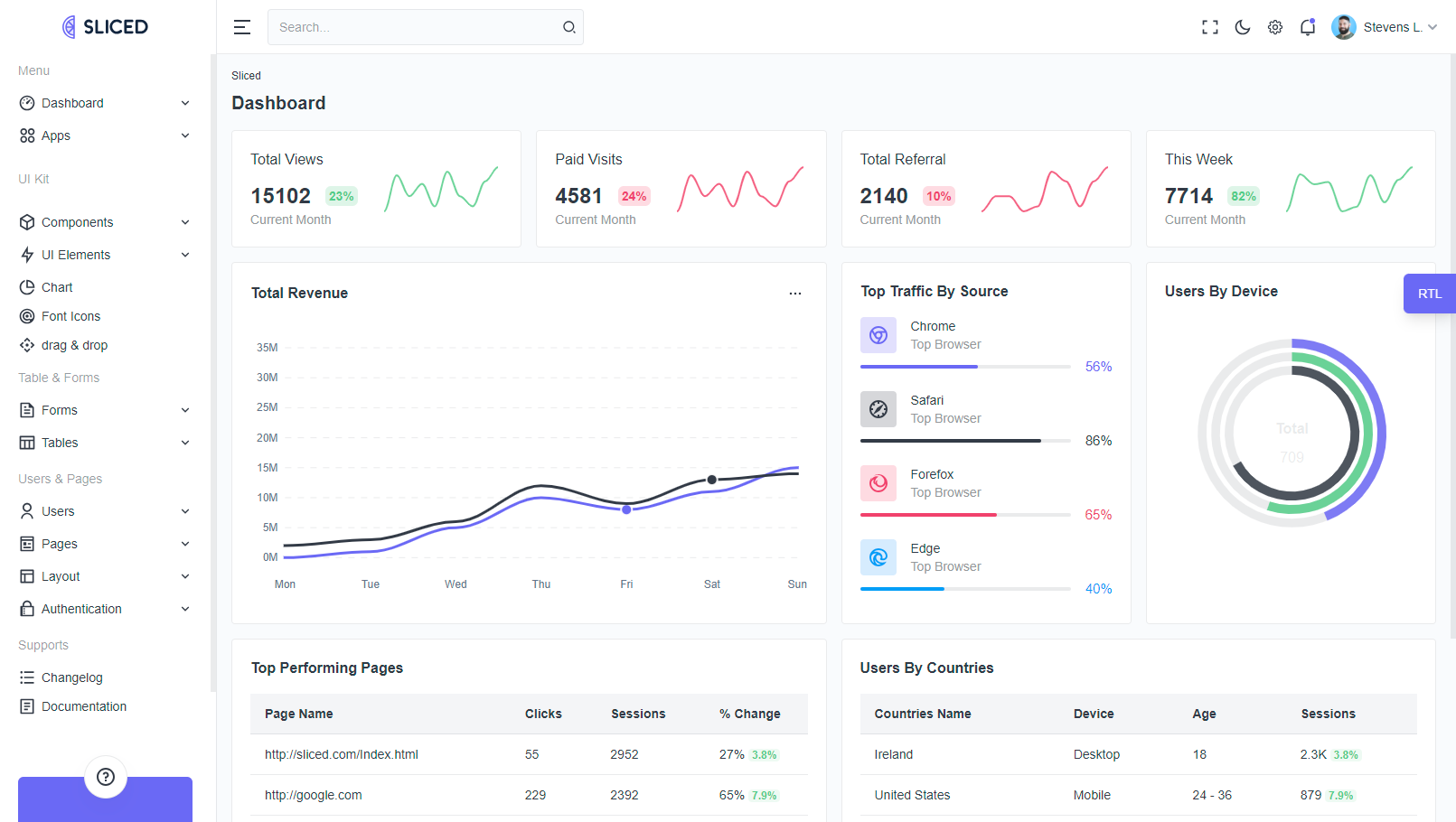
class="vertical"
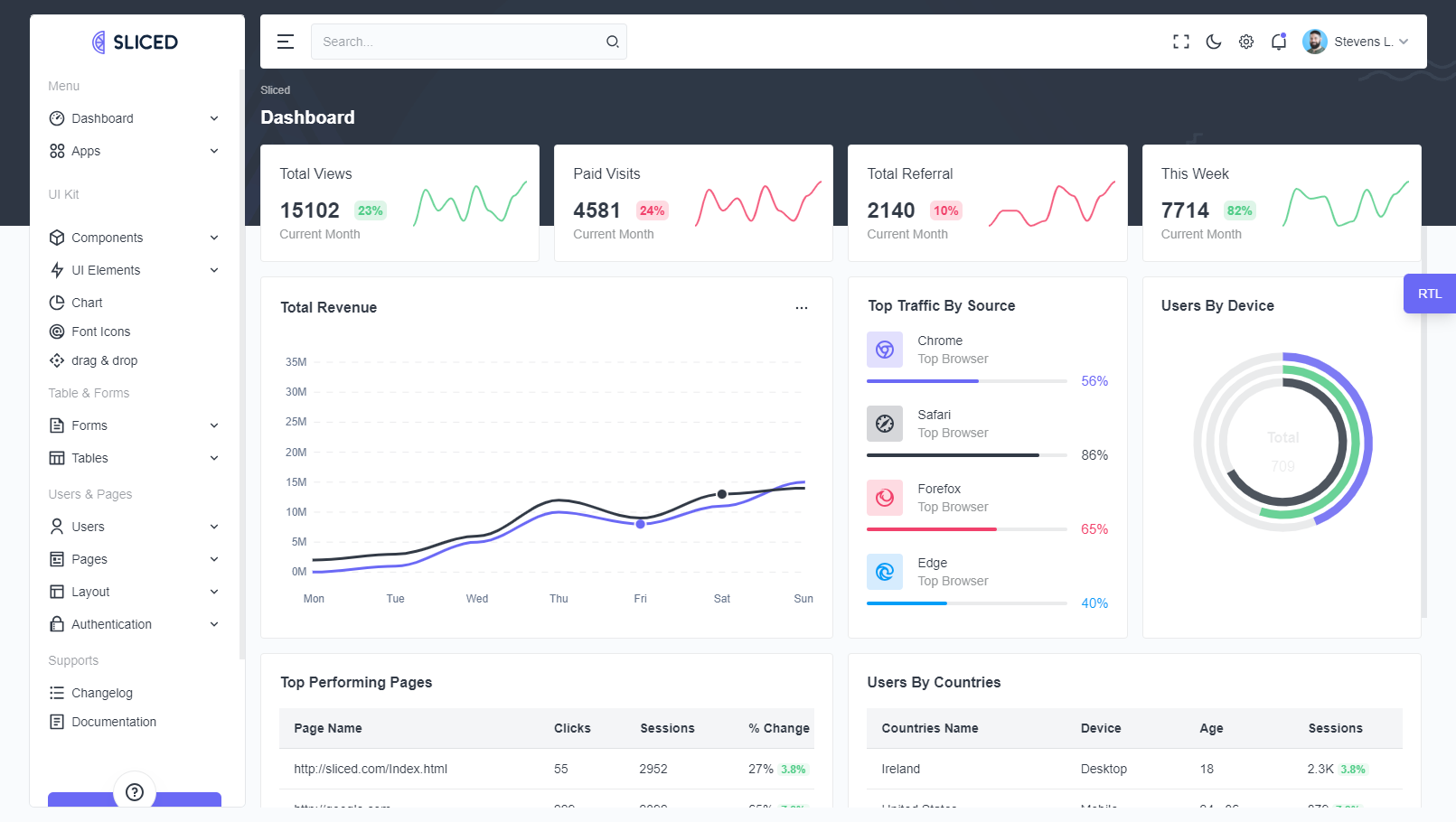
class="creative detached"
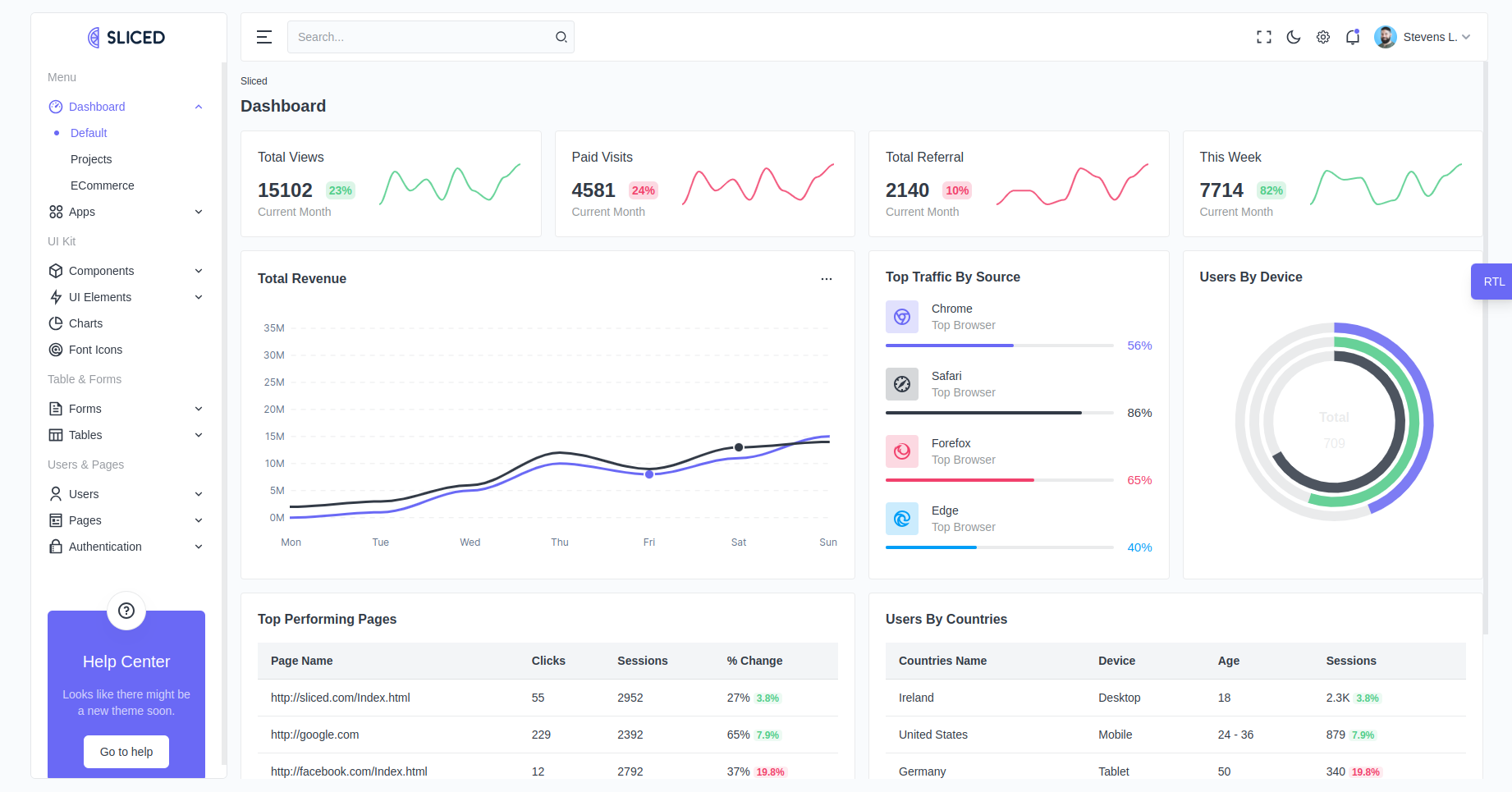
class="simple detached"
Add the following attribute in your html tag for sidebar colors.
data-sidebar="light"
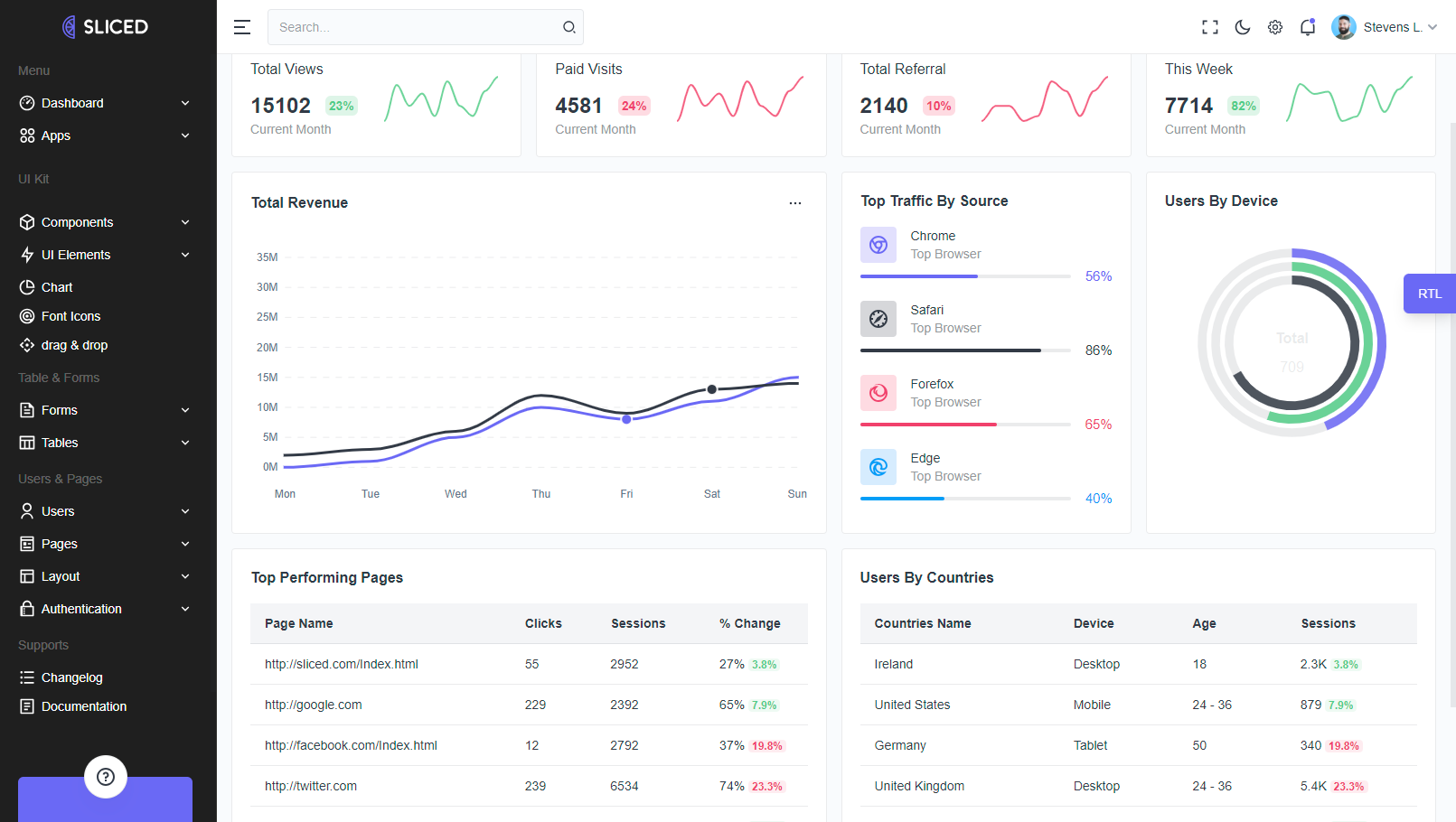
data-sidebar="dark"
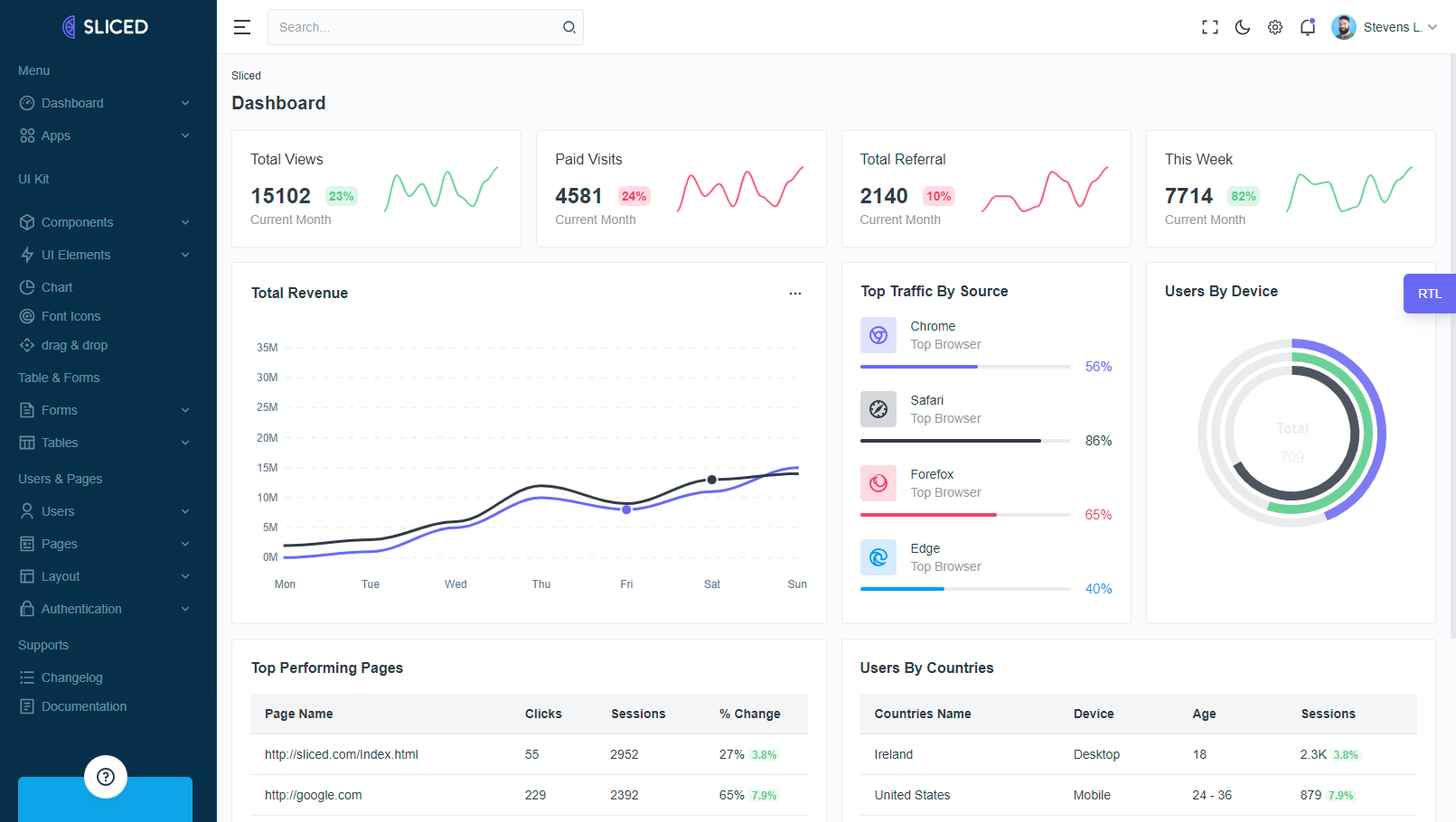
data-sidebar="brand"
Add the following attribute in your html tag for sidebar colors.
data-sidebar="light"
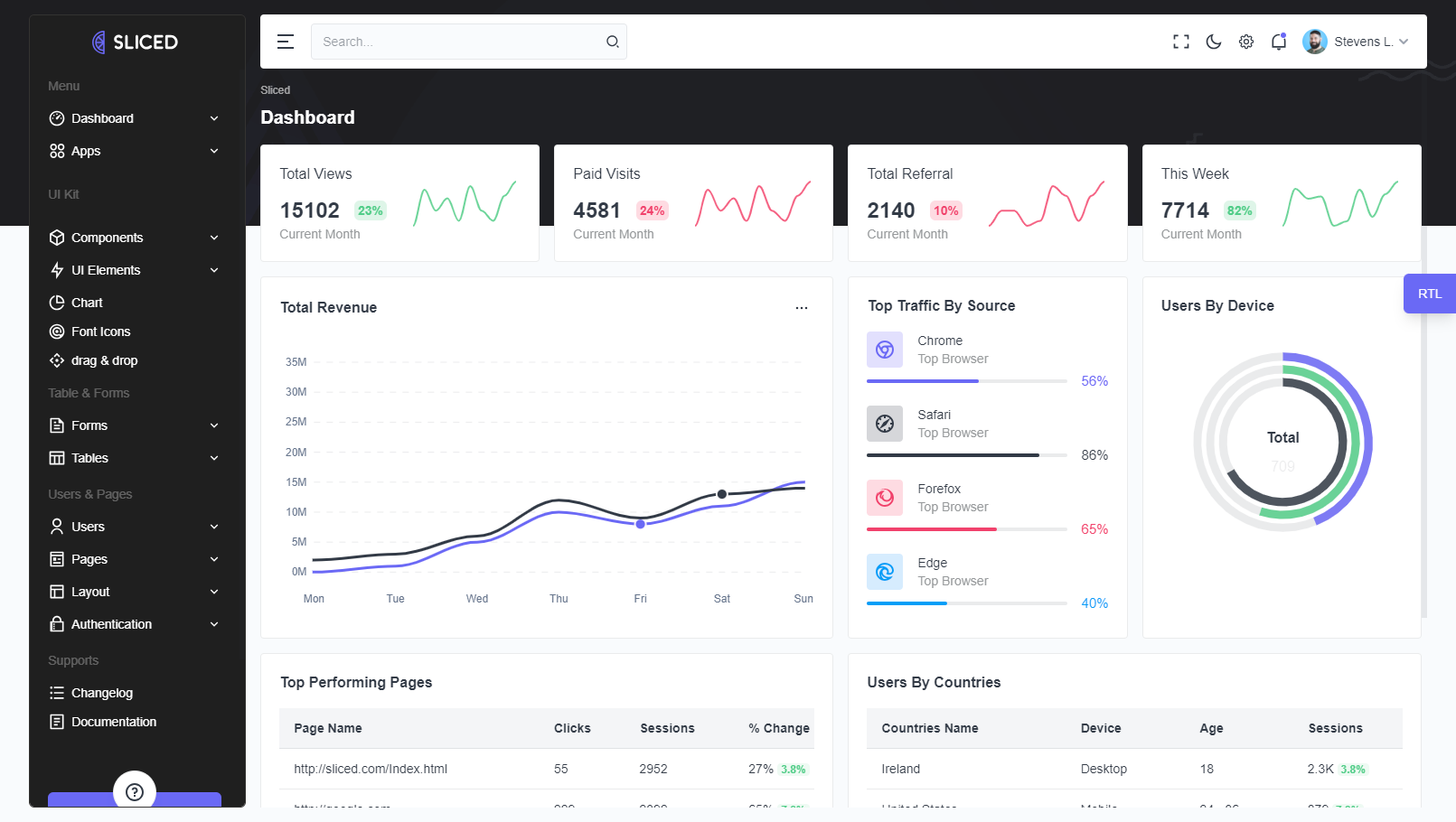
data-sidebar="dark"
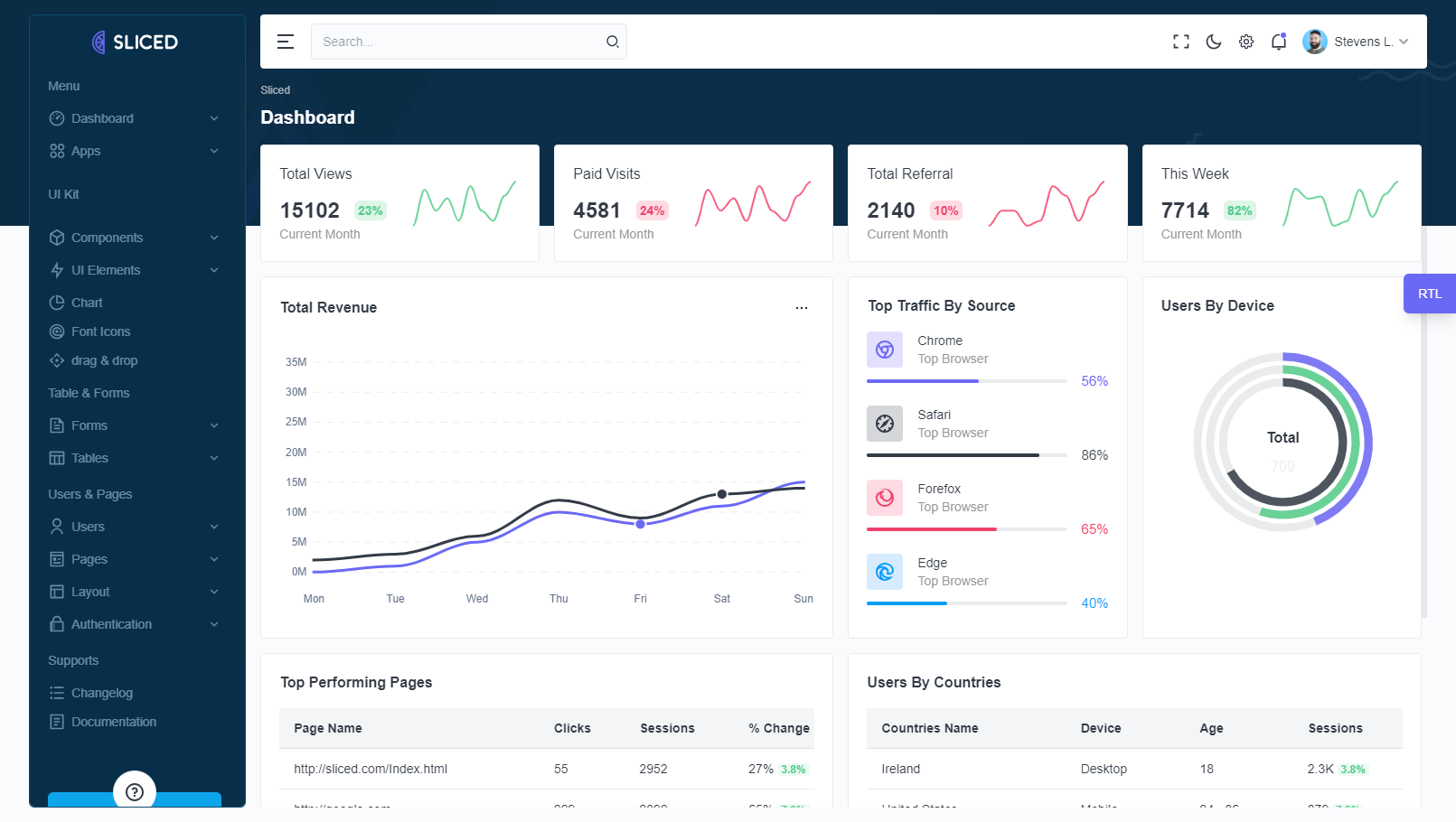
data-sidebar="brand"
Layouts covers all theme configuration settings if you want to apply manually in project. You can change layout from src/slices/layout/reducer.ts file.
| Layout Name | Details |
|---|---|
Layout Mode |
currentLayoutMode: LAYOUT_MODE.LIGHT, |
currentLayoutMode: LAYOUT_MODE.DARK, |
|
Sidebar Color |
currentSidebarColor: SIDEBAR_COLOR.LIGHT, |
currentSidebarColor: SIDEBAR_COLOR.DARK, |
|
currentSidebarColor: SIDEBAR_COLOR.BRAND, |
|
Layout Type |
currentLayoutTypeName: LAYOUT_TYPE_NAME.VERTICAL, |
currentLayoutTypeName: LAYOUT_TYPE_NAME.CREATIVEDETACHED, |
|
currentLayoutTypeName: LAYOUT_TYPE_NAME.SIMPLEDETACHED, |
|
Layout Direction |
currentLayoutDirection: LAYOUT_DIRECTION.LTR, |
currentLayoutDirection: LAYOUT_DIRECTION.RTL, |