
The data-mode attribute can be used to toggle between light and dark modes in a web application. This approach is often used to enhance the user experience by providing an option to switch between different visual themes. File located in resources/views/layouts/app.blade.php location.
To display content in light mode, you can use the data-mode="light" attribute. This typically results in a theme with a light background and dark text, which is the default for most websites.
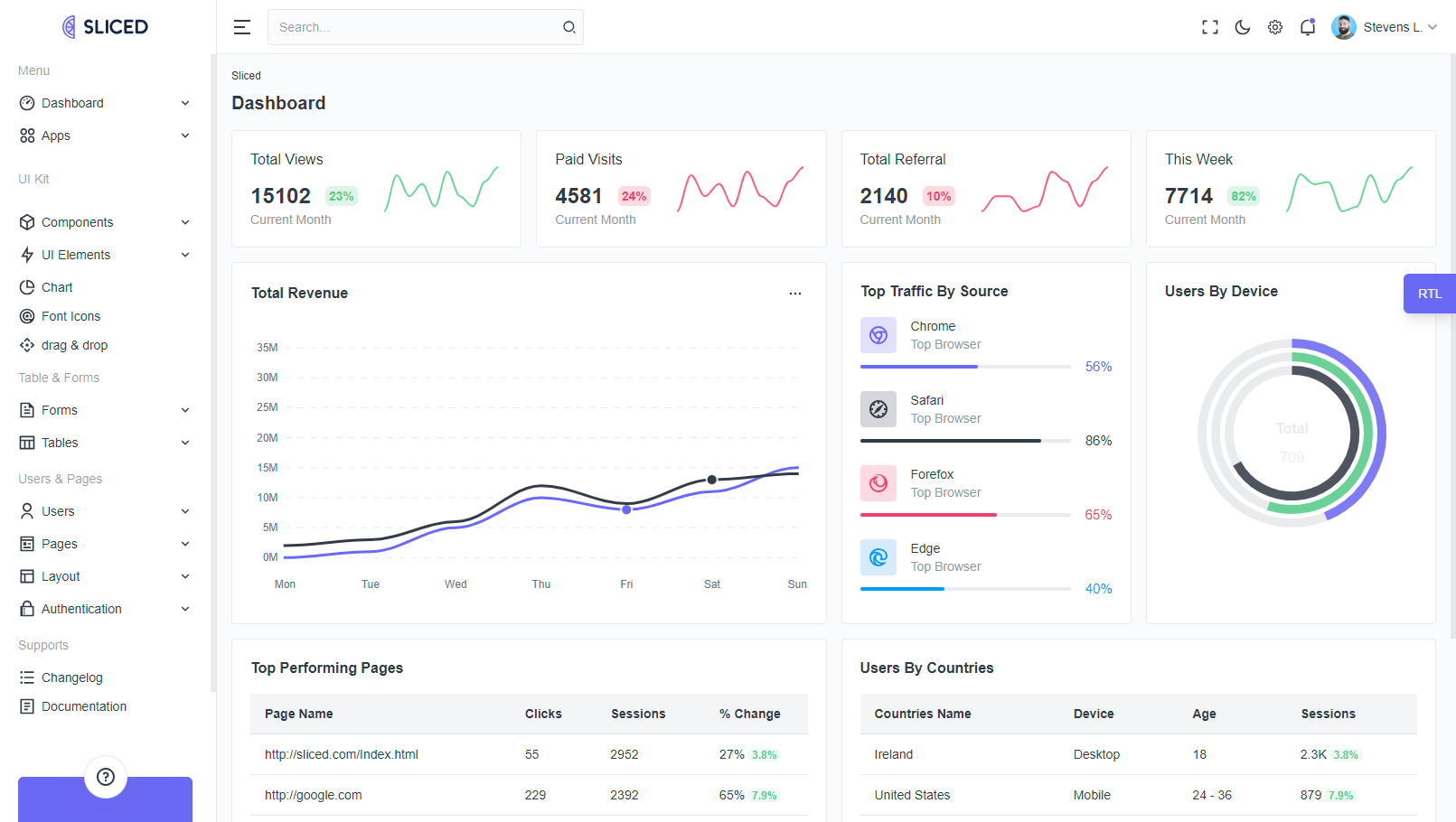
data-mode="light"
To display content in dark mode, you can use the data-mode="dark" attribute. This usually results in a theme with a dark background and light text, which is easier on the eyes in low-light conditions.
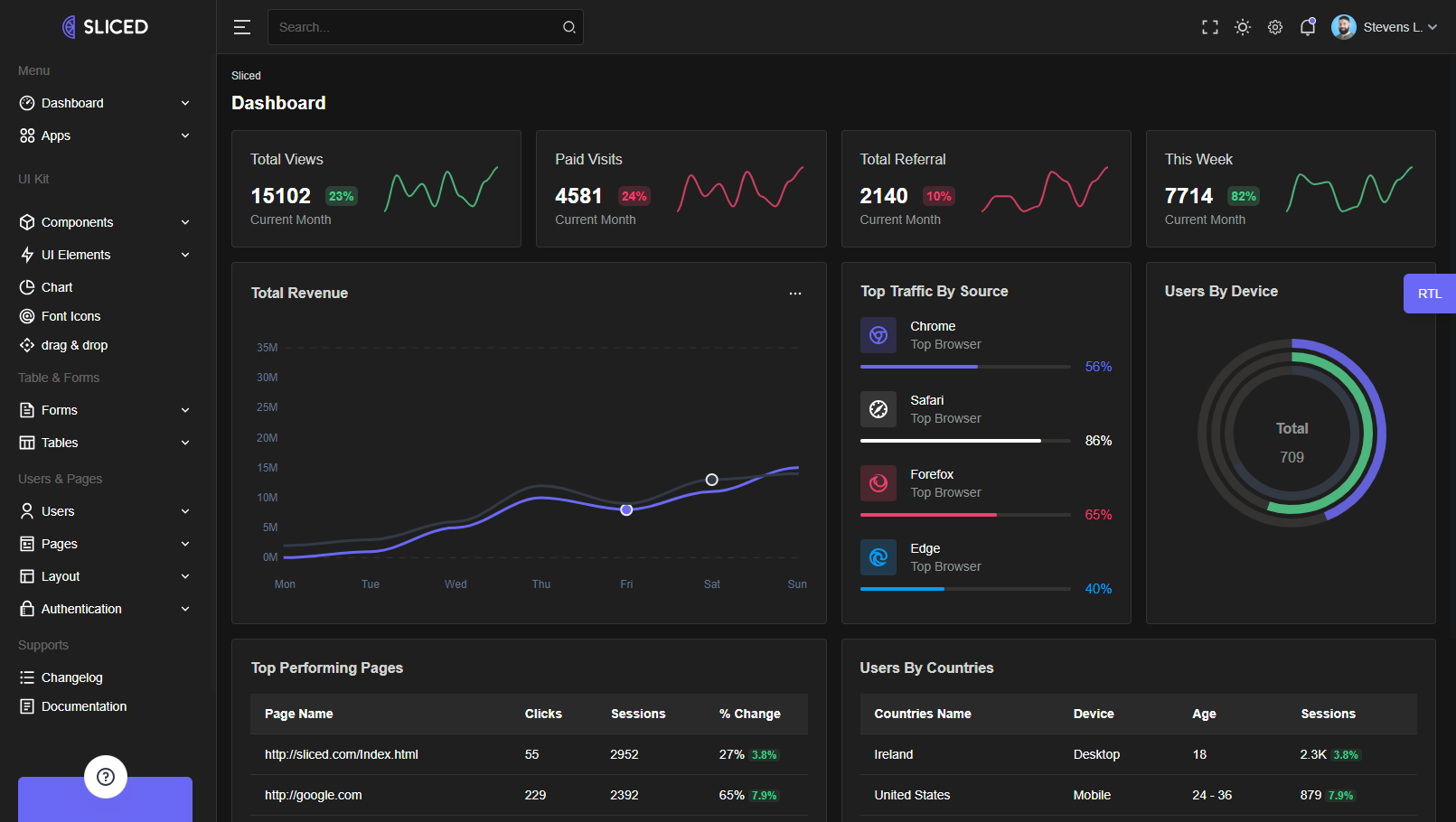
data-mode="dark"
 Docs
Docs